

10/20/18
Discussions are brickd’s community message board, built specifically for LEGO fans to ask questions, share thoughts, and spark meaningful conversations.
You can access discussions from the dedicated Discussions tab in the app.
Discussions Overview
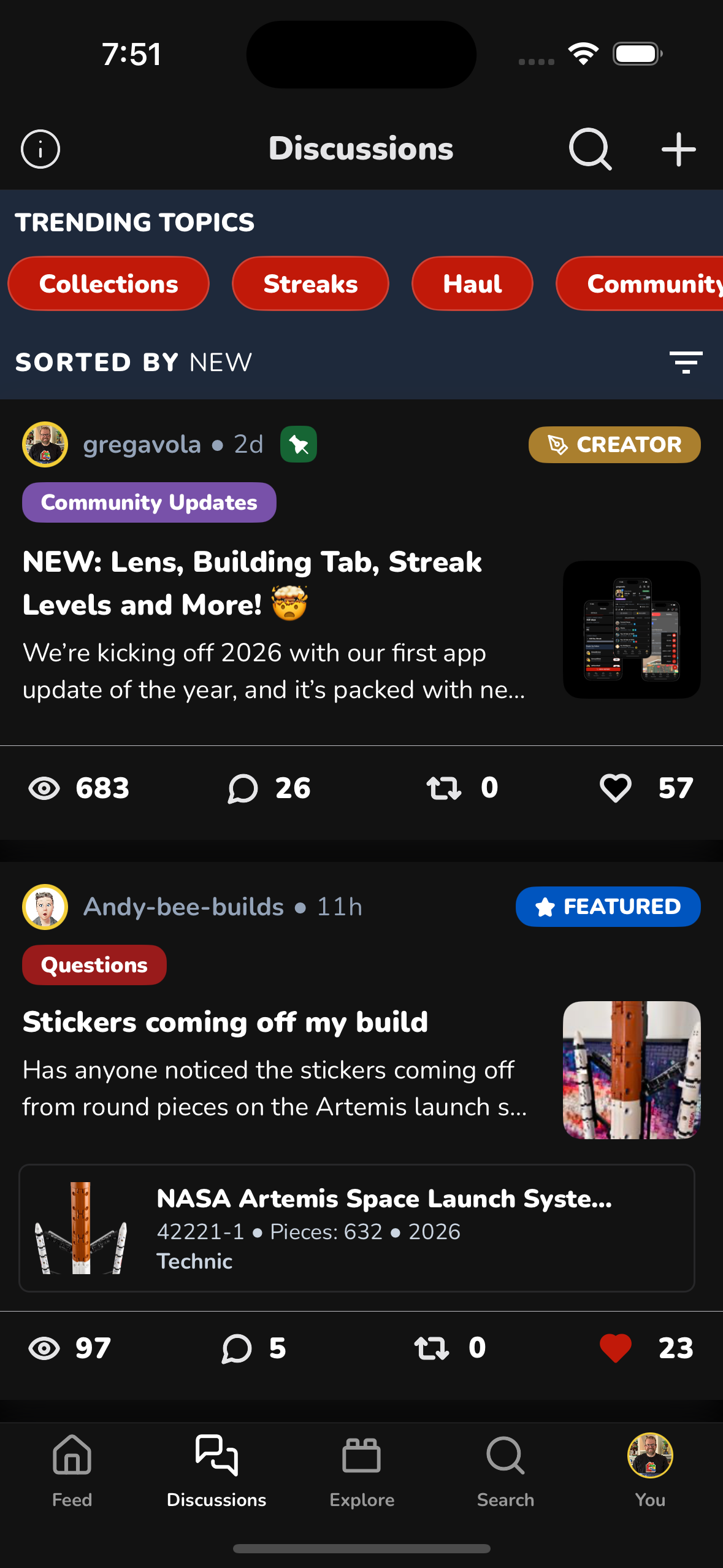
On the main Discussions page, you’ll see:
- Trending Topics at the top (quick filters like Collections, Streaks, Hauls, Community, etc.)
- A feed of current discussions
- Sticky and Featured discussions shown first
- Sorting controls (for example: New, Popular)
This makes it easy to discover what the community is talking about right now.
Discussion Rules
Before posting, it’s important to review the Discussion Rules.
Tap the info (ⓘ) icon in the top-left corner of the Discussions page to view them.
Key principles:
- LEGO-only conversations
- Discussions should encourage conversation
- Be respectful and civil
- Zero tolerance for hate speech
- No spam
These rules help keep brickd welcoming and focused.
Searching Discussions
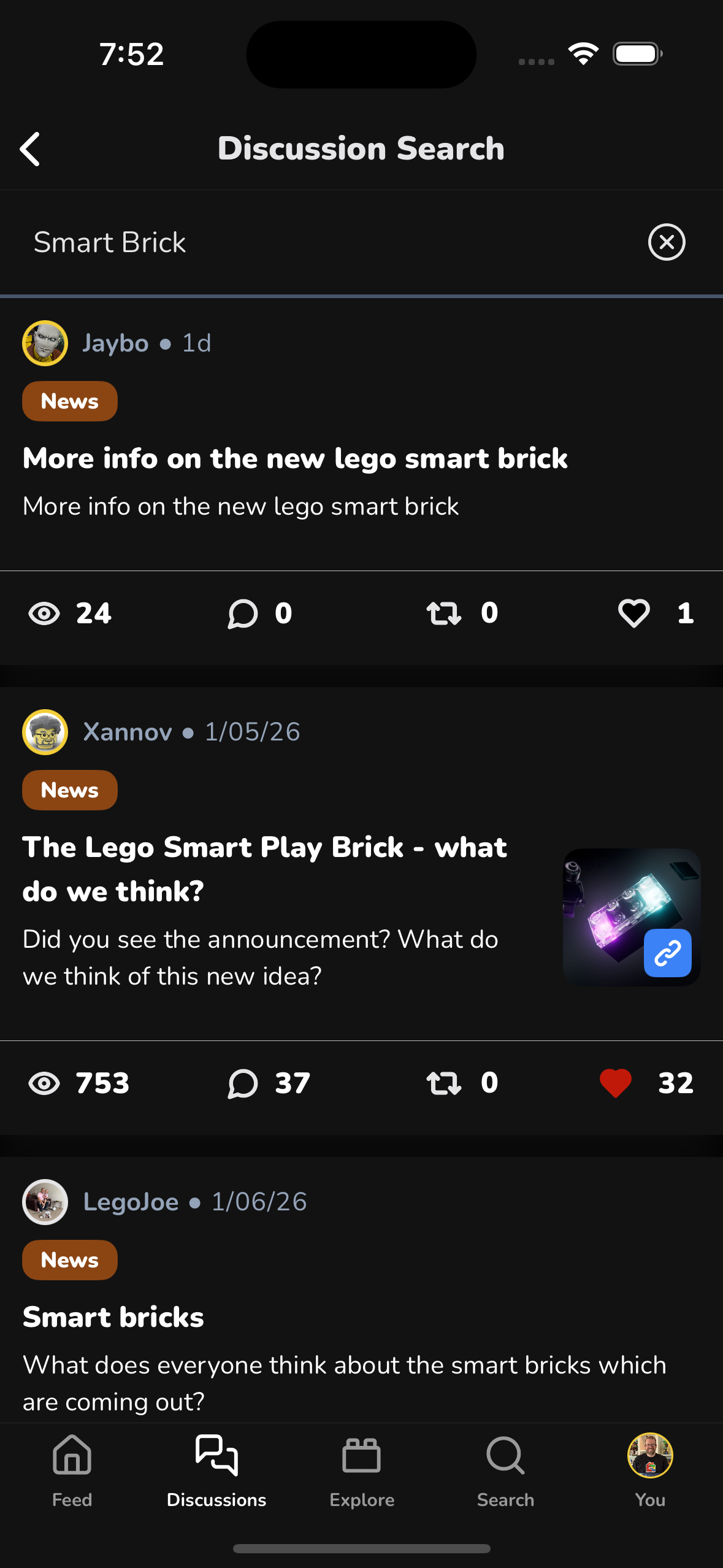
You can search existing discussions using the search icon in the top-right corner.
Search helps you:
- Find answers before posting
- See if a topic is already being discussed
- Explore news or announcements around specific LEGO topics
Creating a Discussion
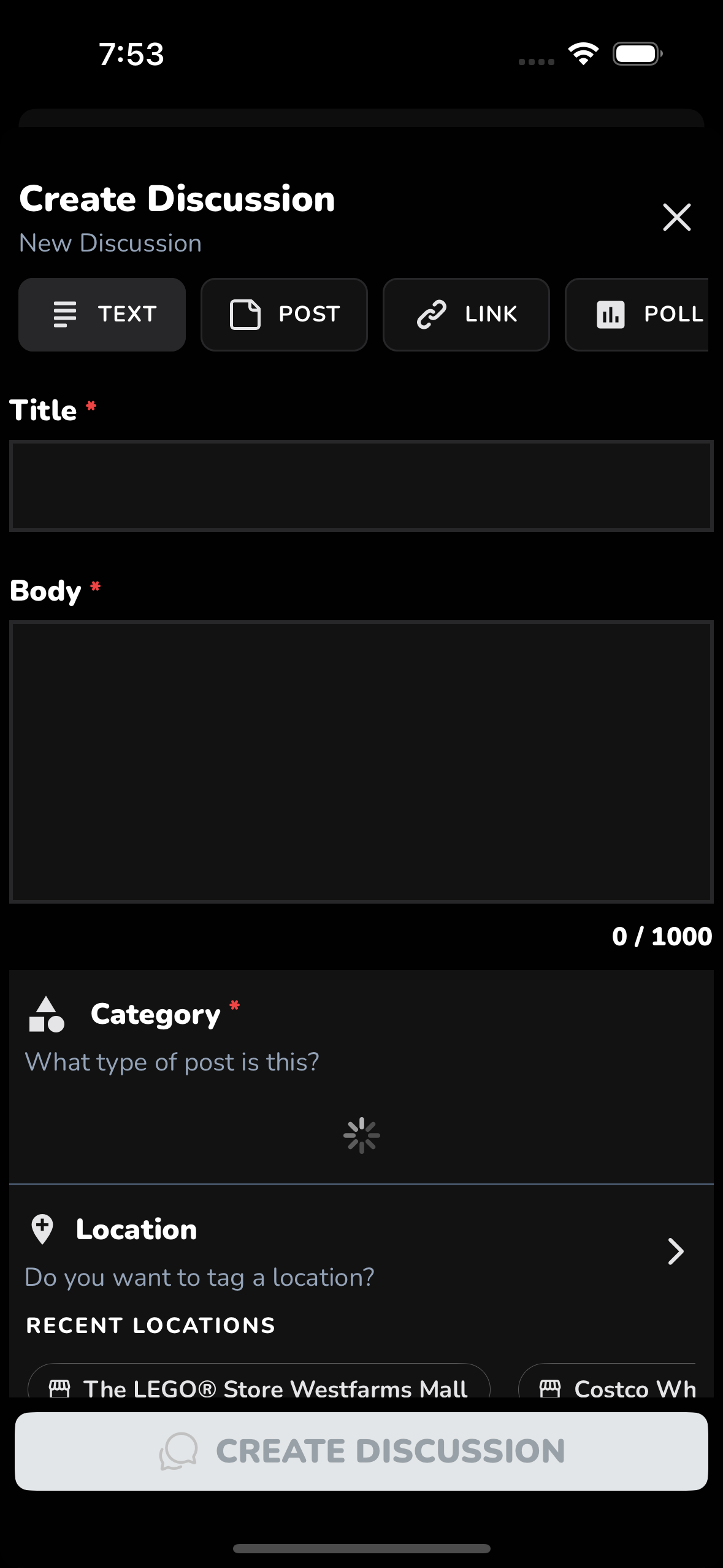
To create a new discussion:
- Tap the “+” button in the top-right corner of the Discussions tab
You’ll be guided through creating your post, including choosing a discussion type and filling out:
- Title (required)
- Body (required)
- Category (required)
- Optional metadata like Location and more
Types of Discussions
brickd supports several discussion types, each designed for a different kind of interaction:
Text
- A traditional discussion post
- Includes a title and body
- Can reference sets, collections, media, and more
- Appears on the Discussions page and is searchable
Post
- Short, bite-sized updates
- Do not appear on the Discussions page
- Not searchable
- Shown only in your Activity feed and to your followers
Link
- Similar to a Text discussion
- Allows you to include a link for reference or sharing
Poll
- Create polls that other users can vote on
- Great for opinions, comparisons, and fun community questions
Q&A
- Designed for “Ask Me Anything”-style discussions
- Encourages direct questions and structured responses
Discussion Detail Page

When you open a discussion, you’ll see:
- The full discussion content (title, body, and any attached content)
- Engagement stats (views, comments, likes, etc.)
- All comments for the discussion
- Tools to like, reply, and sort/filter comments
The goal of every discussion is engagement — comments and conversation are the most important part.
Why Discussions Matter
Discussions are where the brickd community comes together:
- To help each other
- To share knowledge
- To debate ideas
- To celebrate LEGO
If you’re posting, remember: the best discussions invite others to jump in and talk.
Happy discussing 🧱